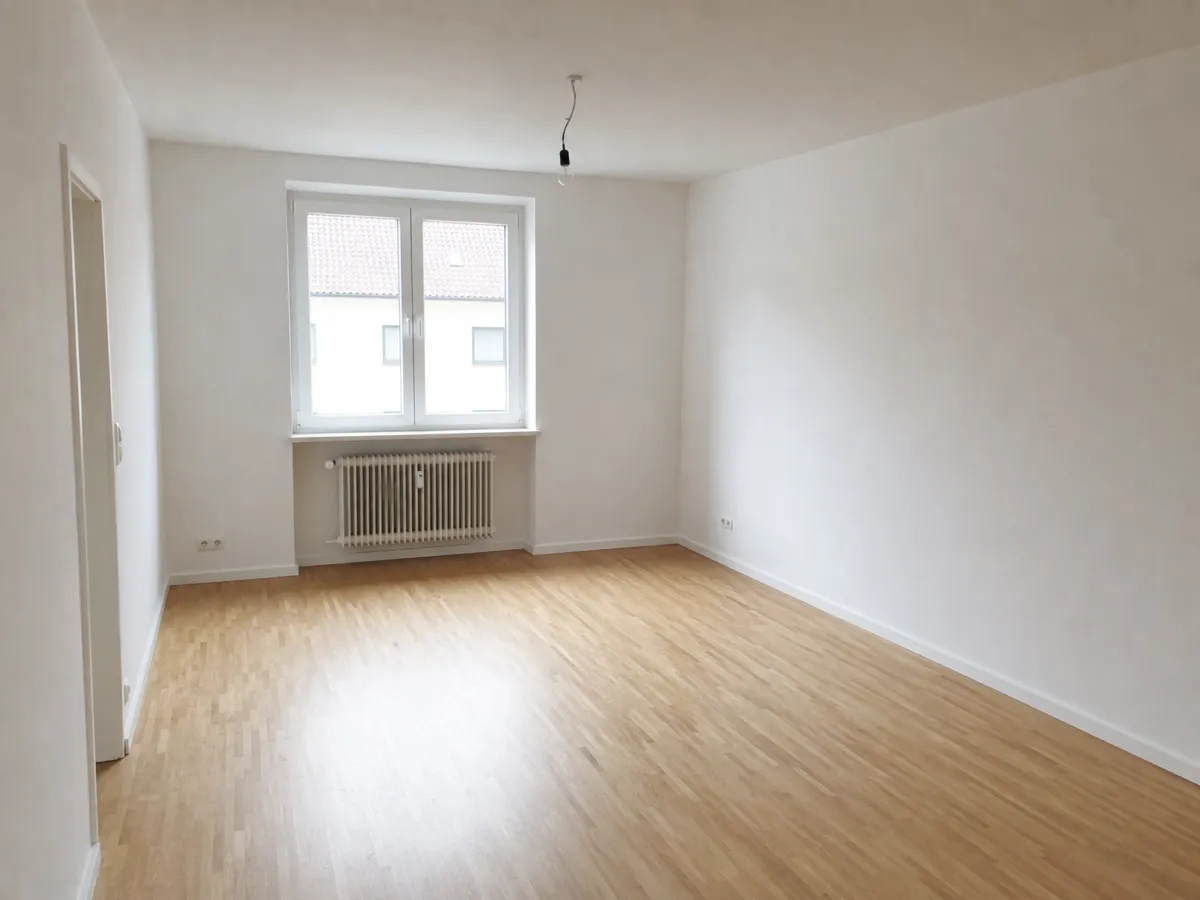
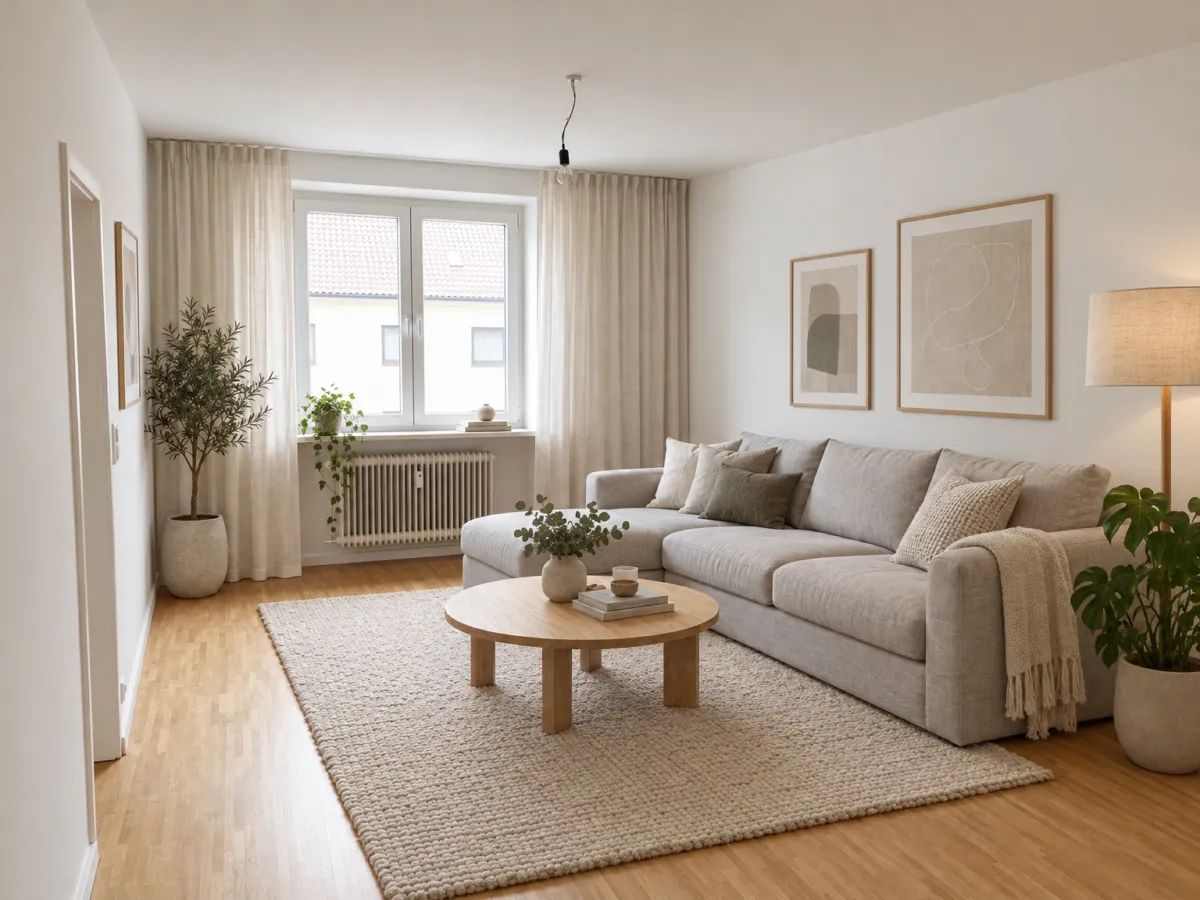
Interior designers
Show three directions before the second meeting. Change the sofa, rug or wall color in one sentence.
Opening soon. Early signups get 5 free renders.
Upload a room photo, a sketch or a 3D screenshot. Tell Renderist what to change, in your own language. Walls, windows and the camera stay where they are.
For interior designers, architects, remodelers and homeowners.
No credit card. Sign up now, your renders wait for you at launch.
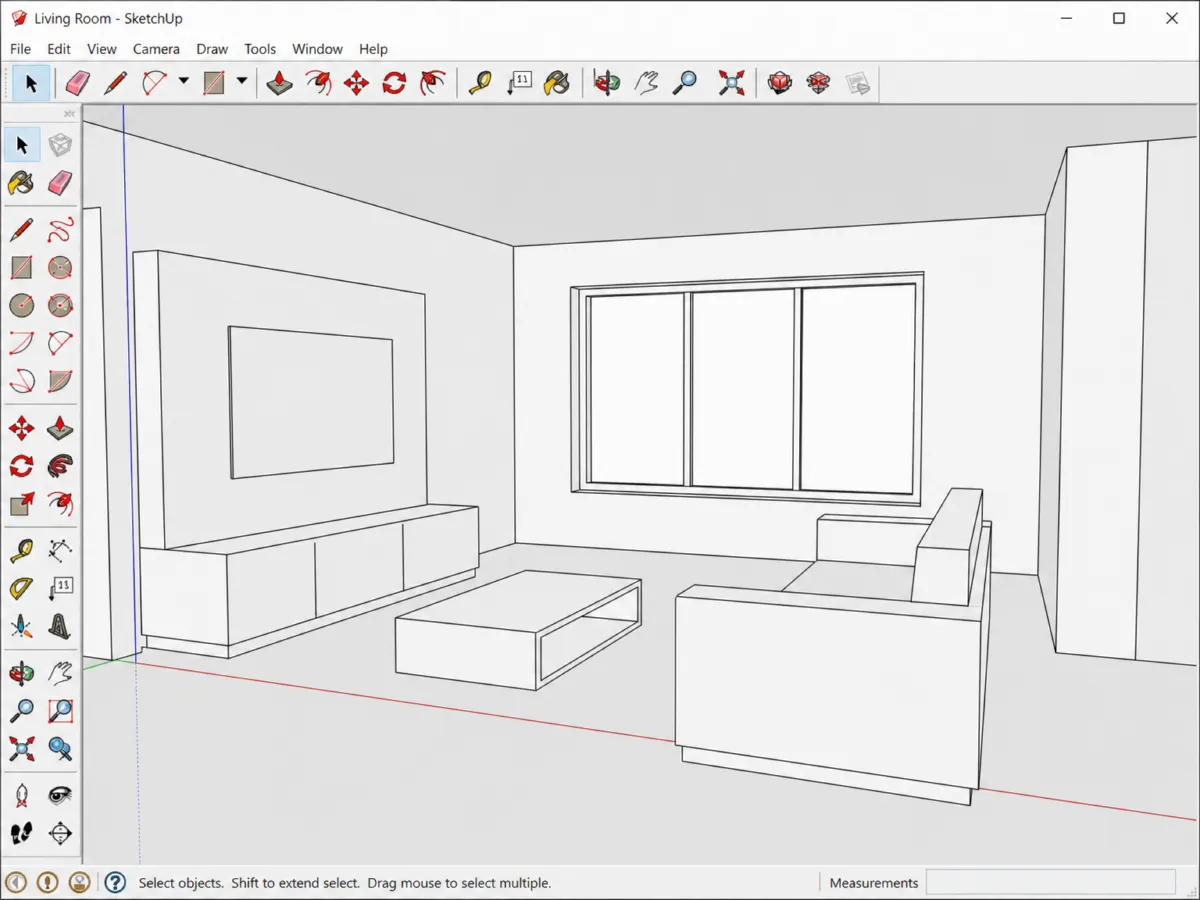
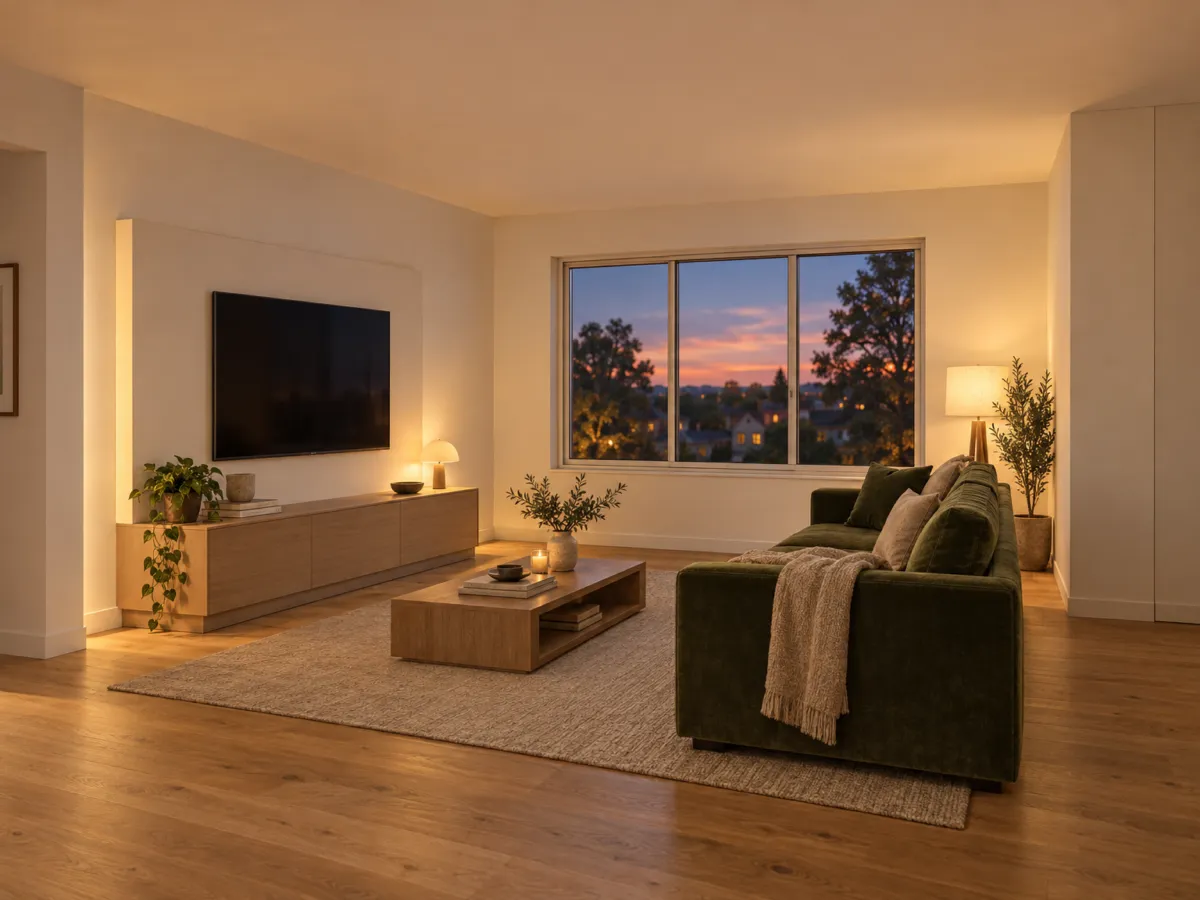
Make it a warm evening. Oak floor, keep the windows.
Done. Same room, evening light and an oak floor. Want to try a new sofa?
Yes, a green velvet one. Leave everything else.
How it works
A phone photo of a room, a hand sketch or a screenshot from SketchUp, Revit, Rhino or Blender. No plugin needed.
Write it like a message to a friend: "evening light, oak floor, green sofa". Any of 9 languages works.
"Make the sofa smaller." Each reply gives you a new render of the same room. Download when it looks right.
Most tools make you start over for every change. Renderist remembers the room, so "same room, but at night" just works.
Renderist keeps the shape of your room. It changes materials, light and furniture only when you ask.
Show three directions before the second meeting. Change the sofa, rug or wall color in one sentence.
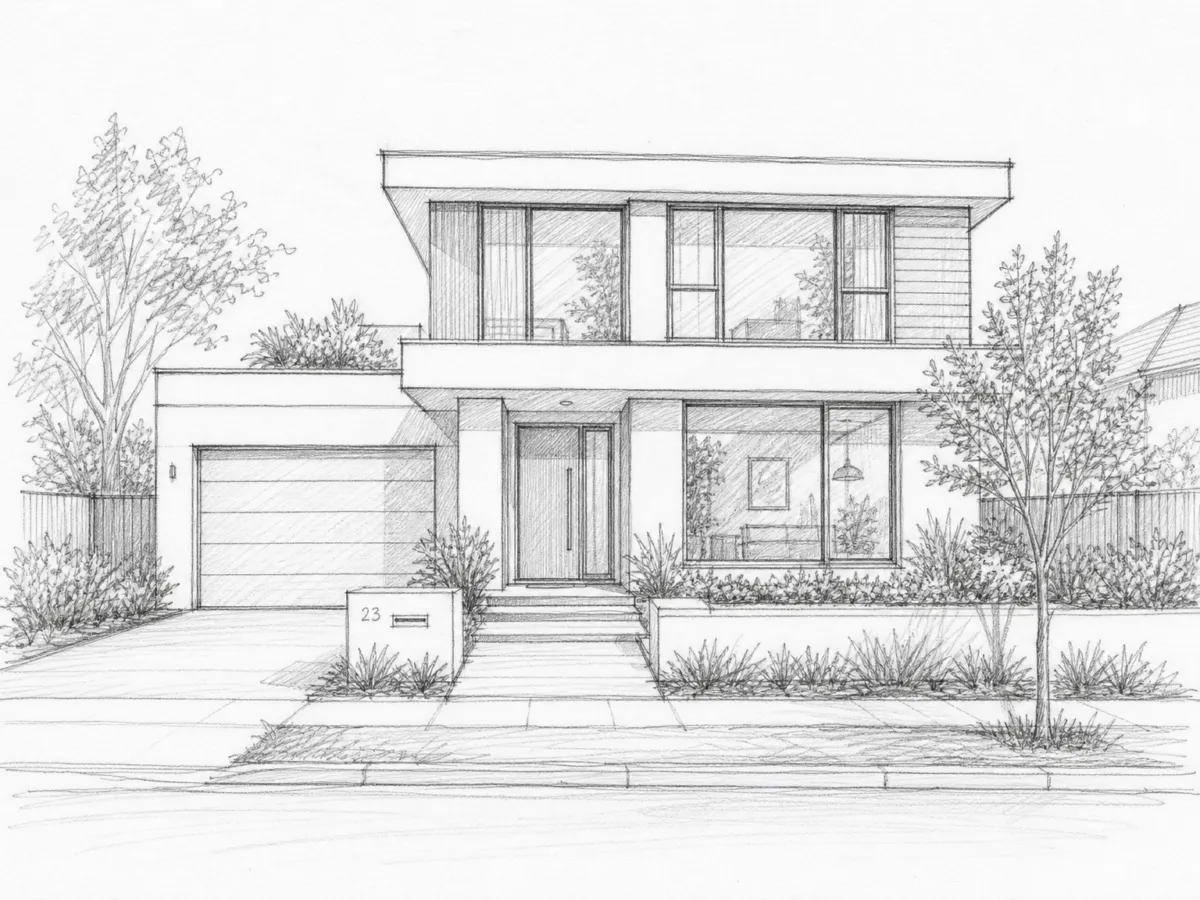
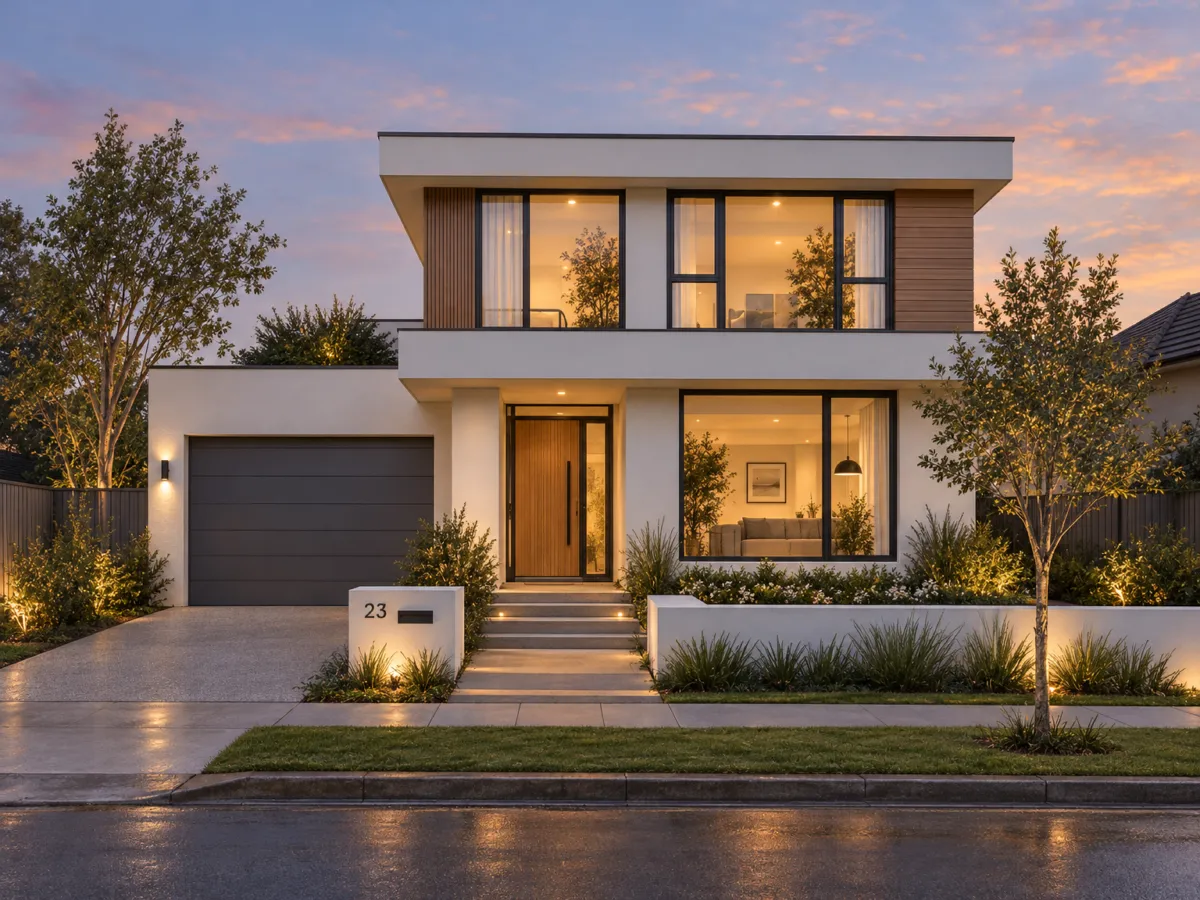
Turn a SketchUp or Revit screenshot into a presentation image that matches your drawings.
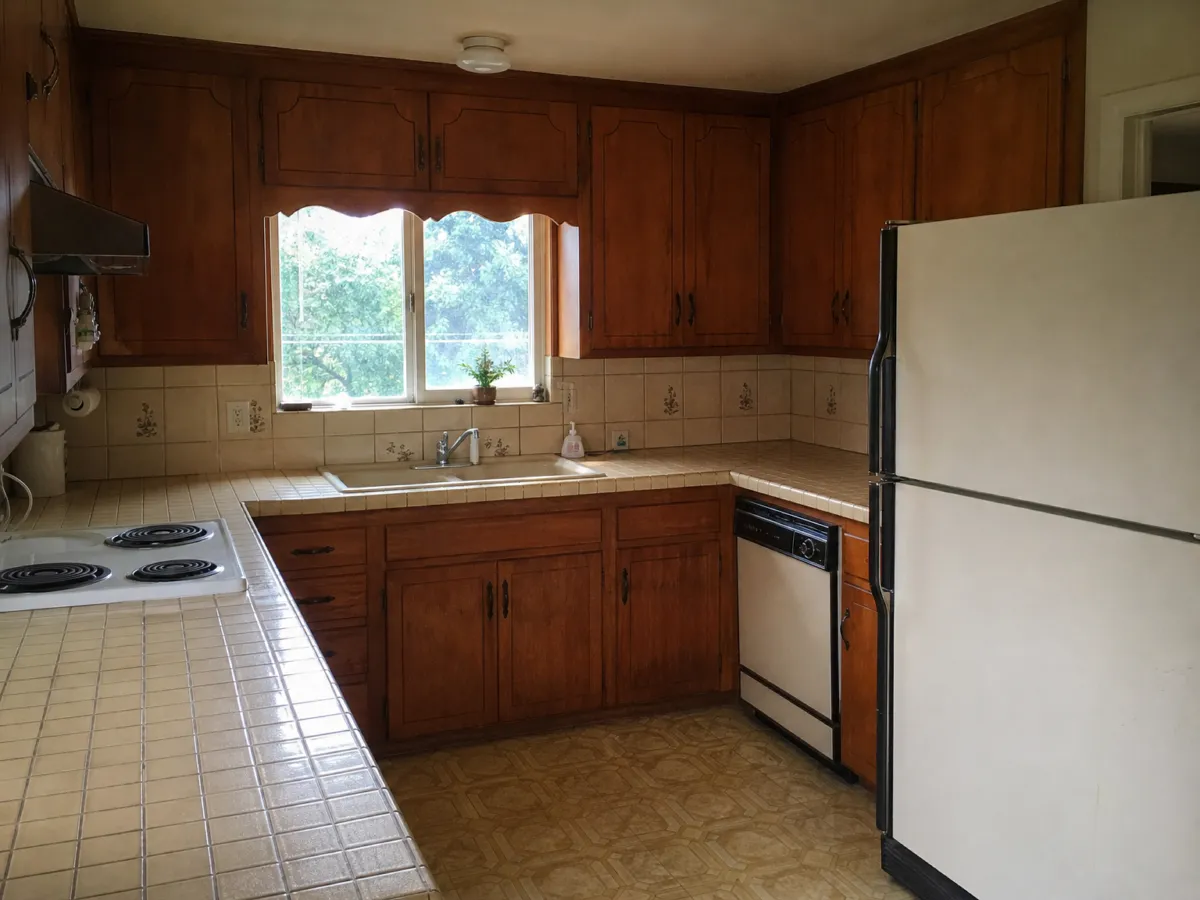
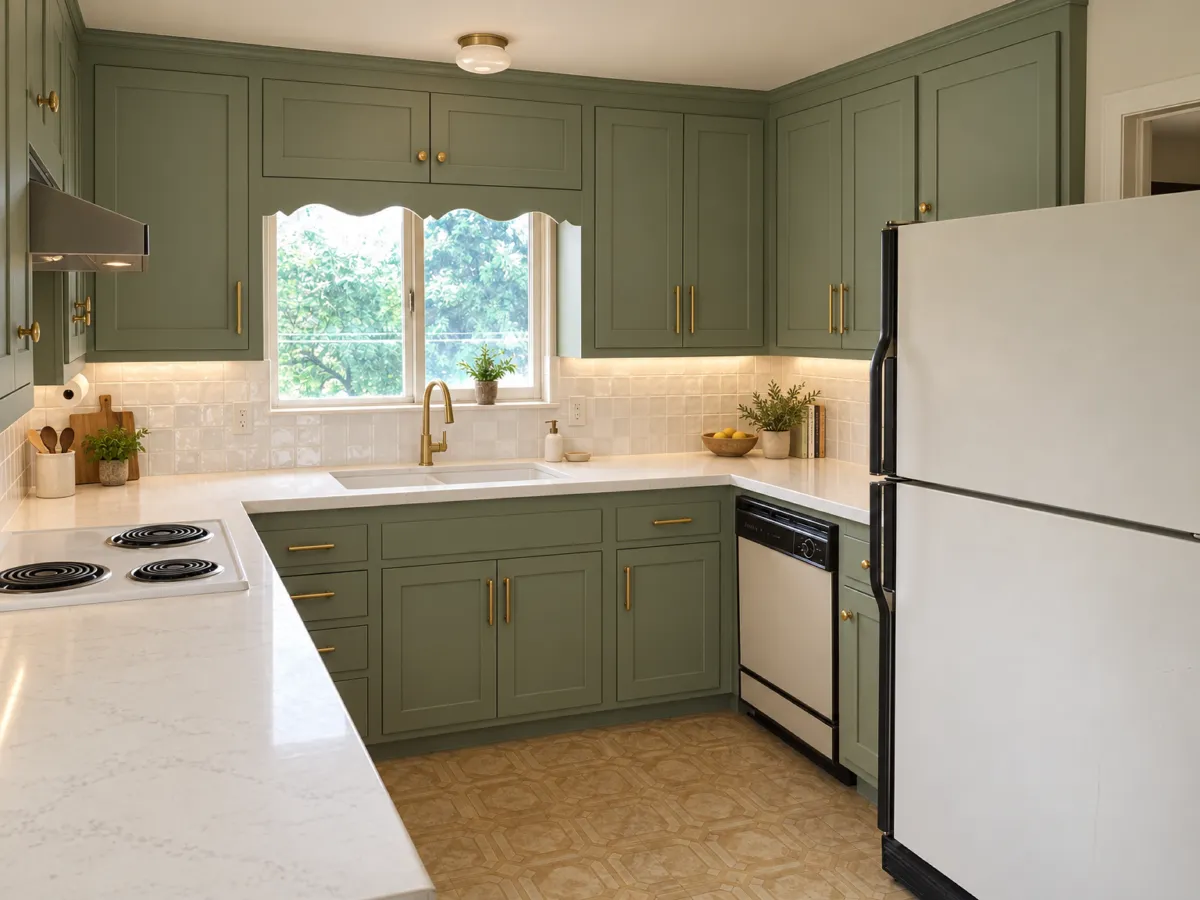
Take a photo on site and show cabinet, countertop and tile options in the same visit.
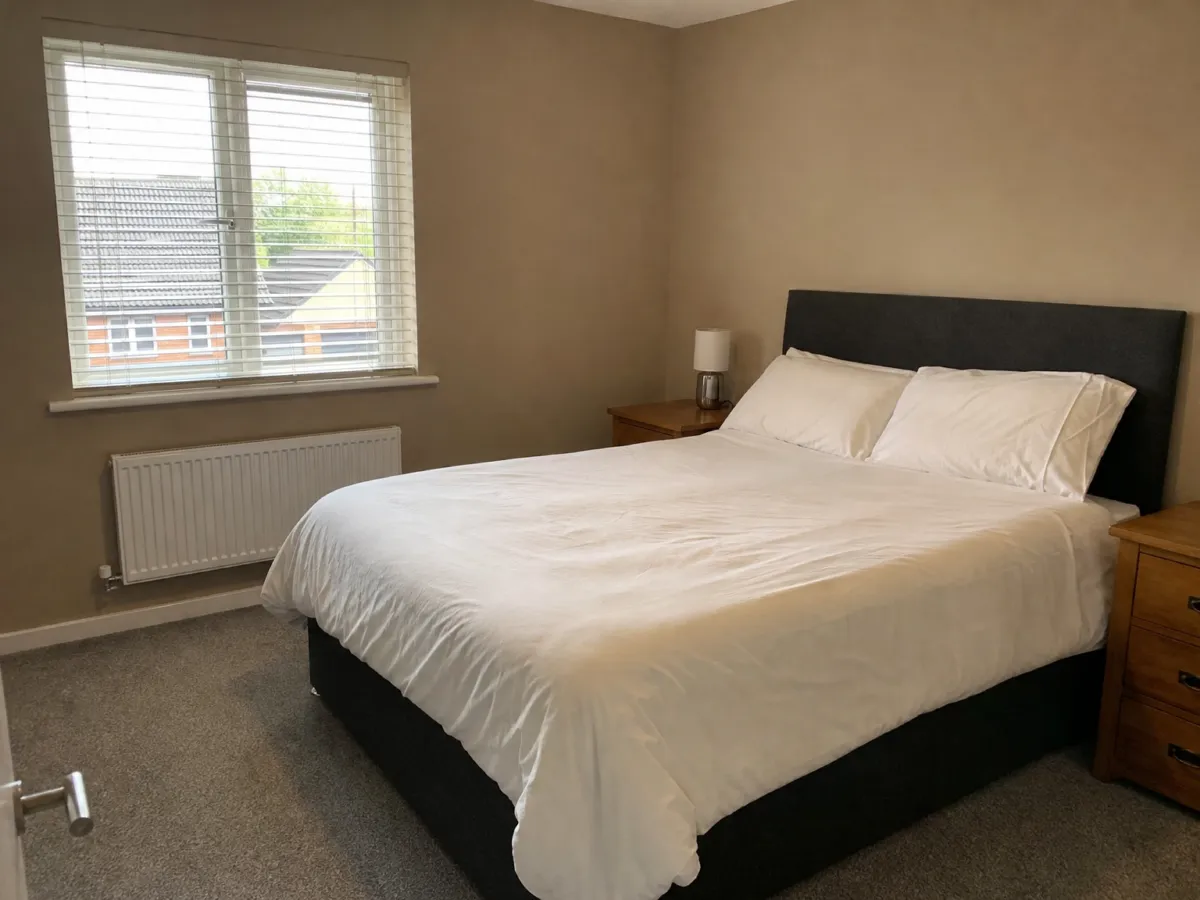
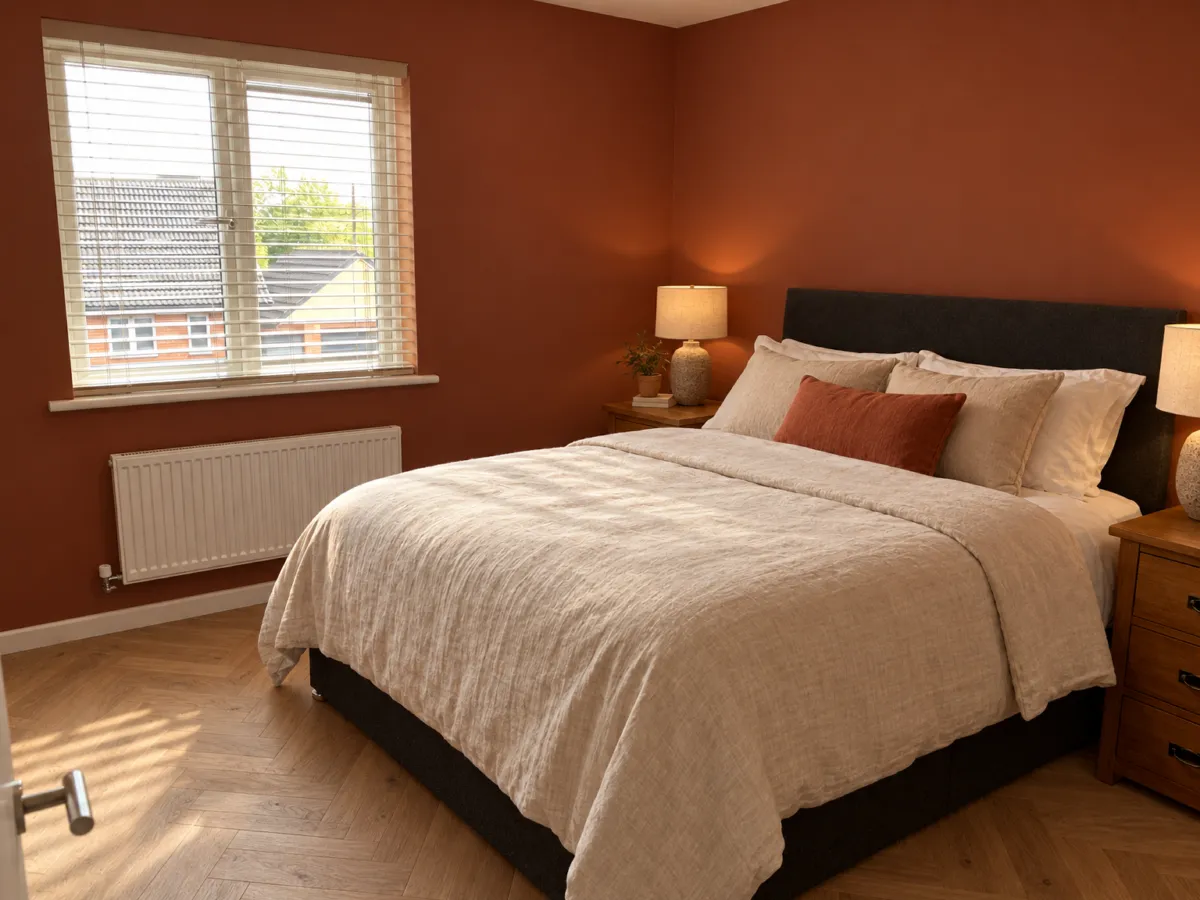
See a new floor, paint or furniture in your own room before you buy anything.
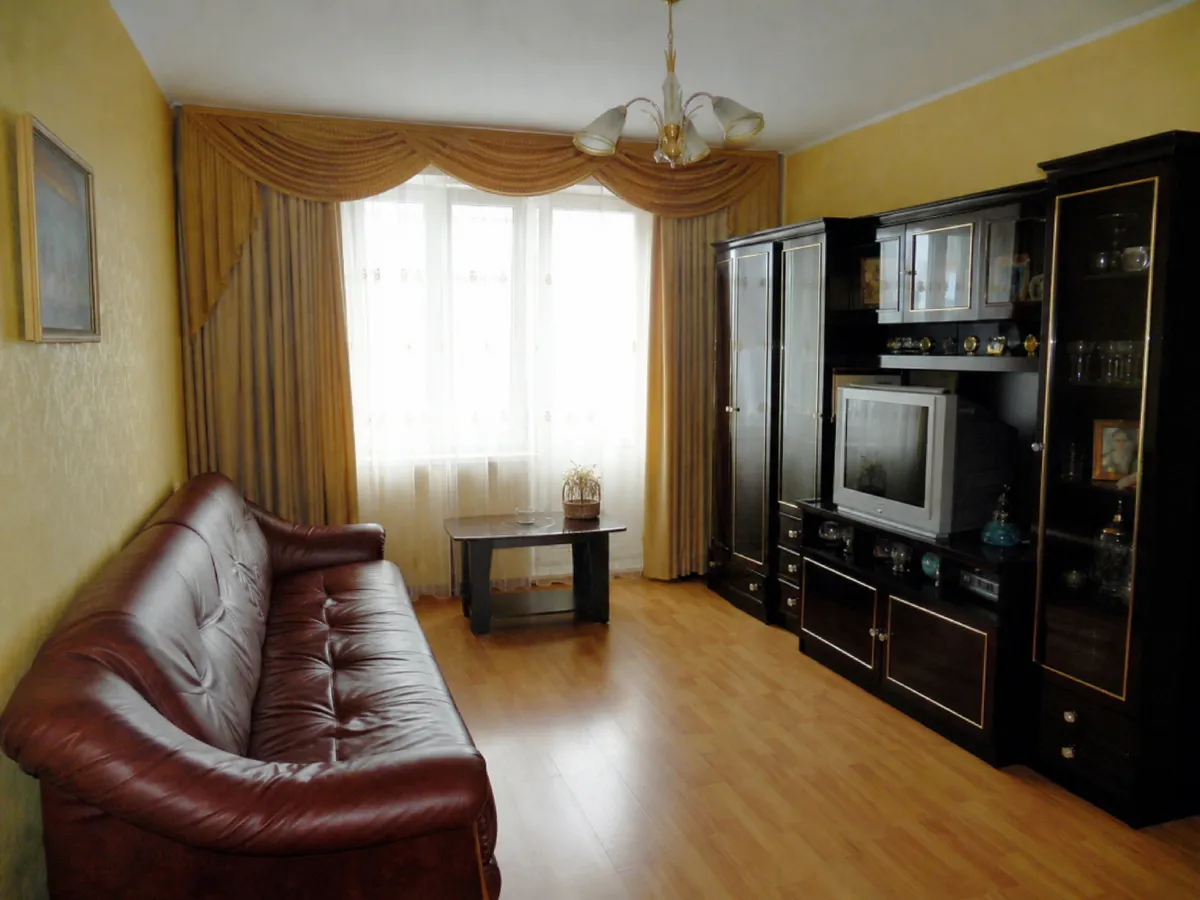
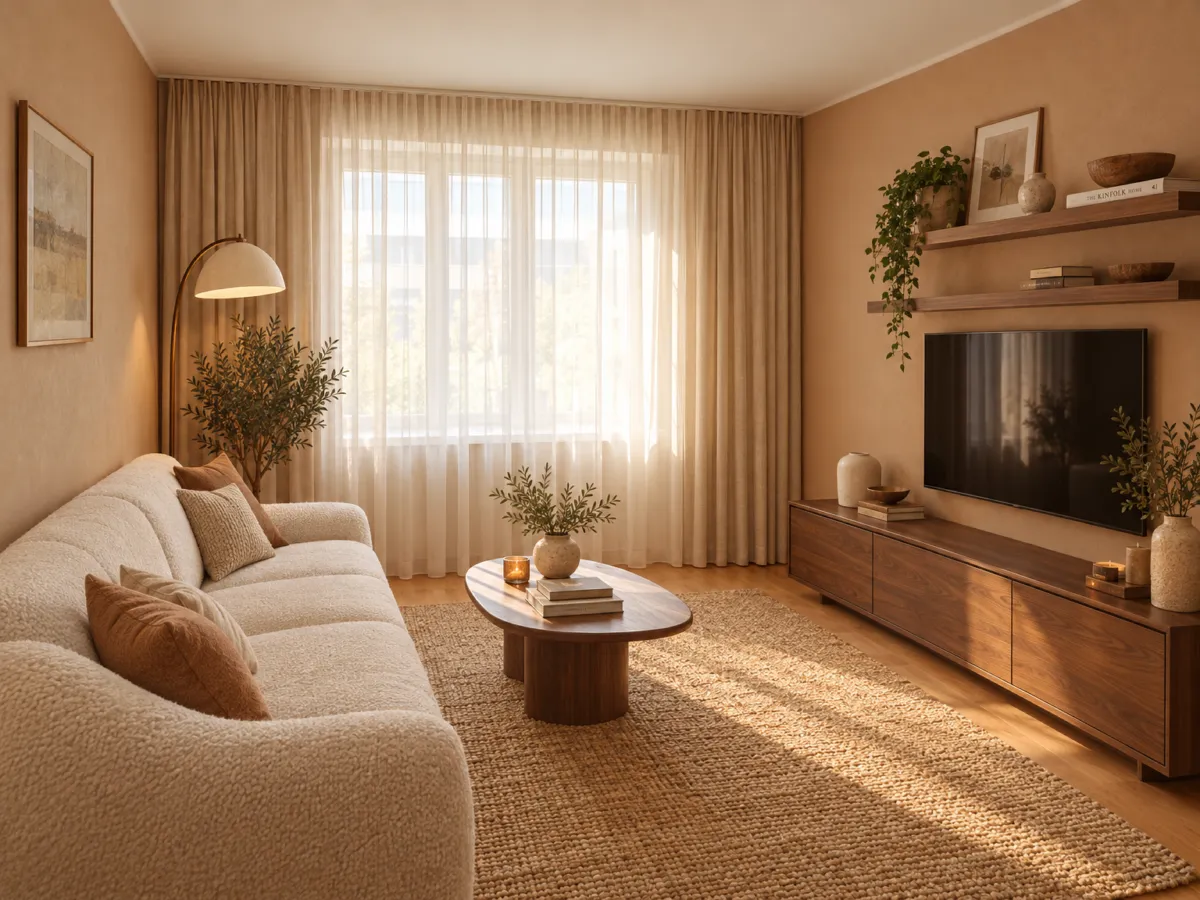
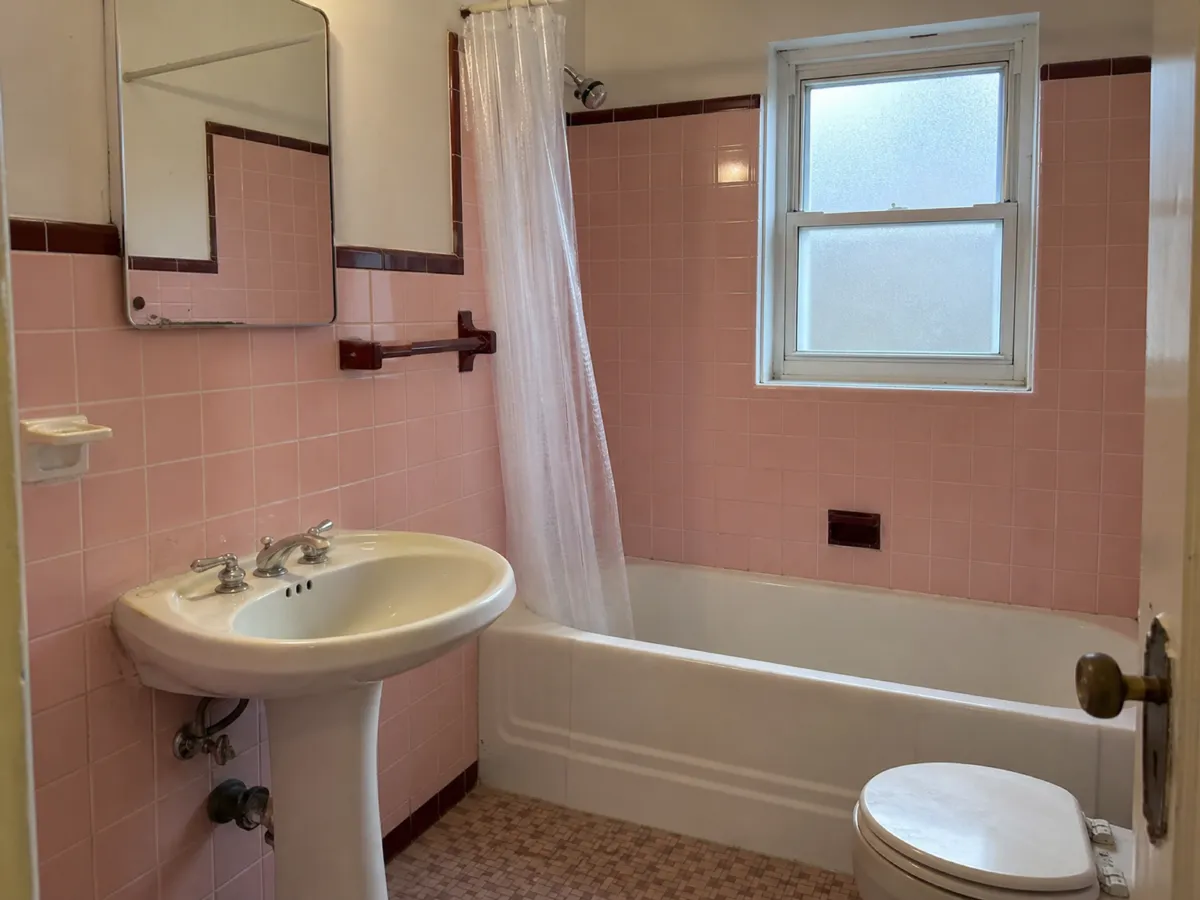
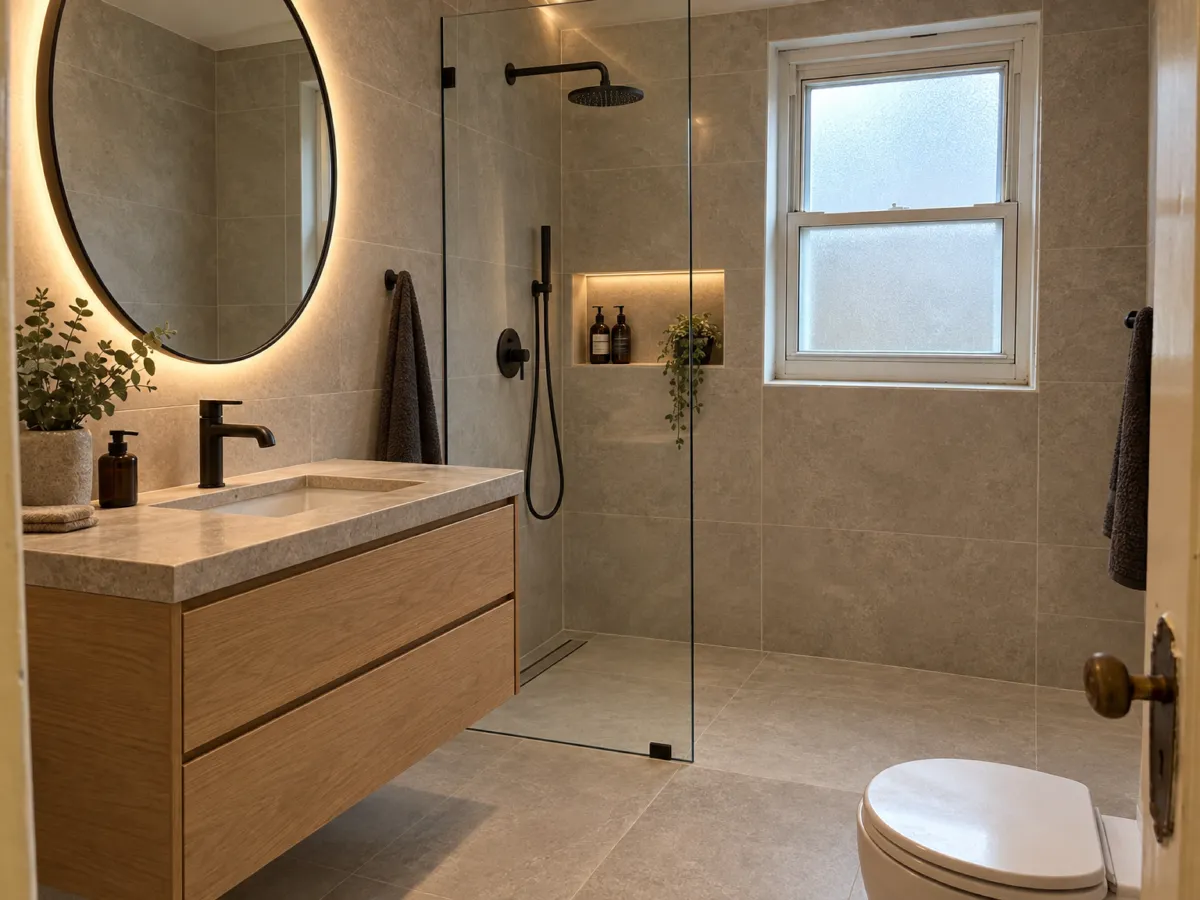
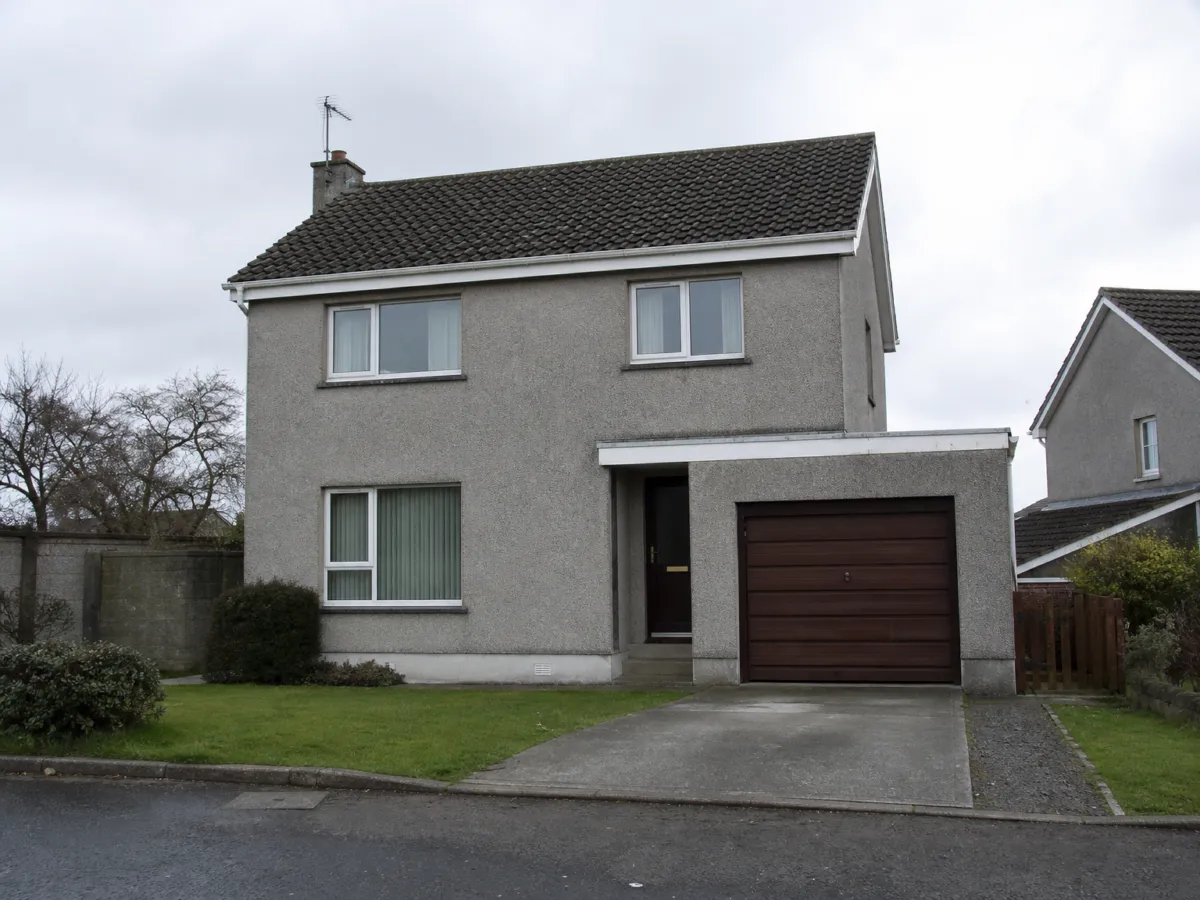
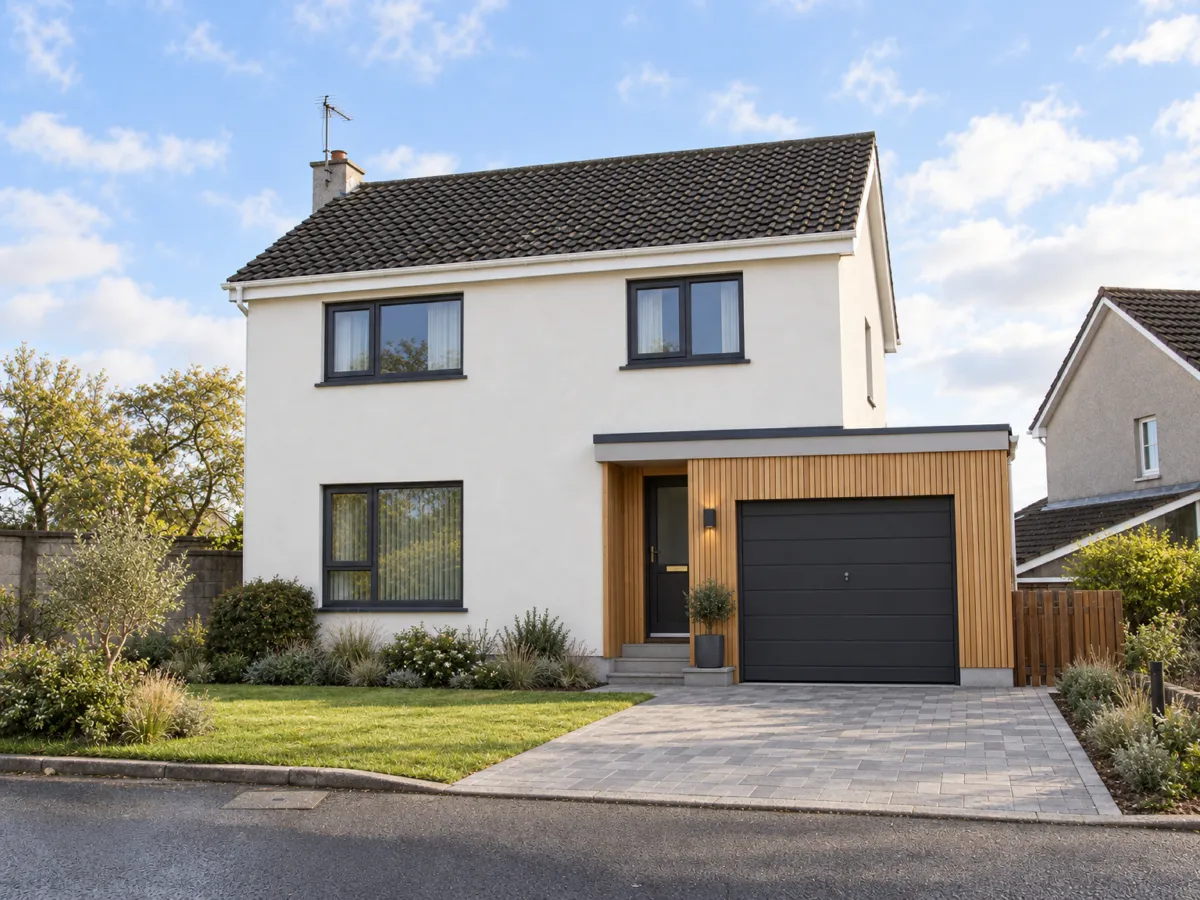
Examples made with AI image models. The source images are generated too.
You upload photos of real homes, often your clients' homes. We treat them that way.
We never use your uploads or renders to train AI models. Not on free, not on paid.
Delete a project and its files are removed from our storage.
Paid plans include a commercial license. Use renders in proposals, listings and portfolios.
| How Renderist compares | Renderist | Typical AI render apps | Hiring a visualizer |
|---|---|---|---|
| Starts from your photo or sketch | Yes | Yes | Yes |
| Change by chat, keeps the project | Yes | Mostly a new prompt each time | By email, in days |
| Keeps your walls and camera | Yes, built for it | Often not stated | Yes |
| Write in your language | 9 languages | Mostly English | Depends |
| Trains AI on your images | Never | Often not stated | No |
One render is one render. No credits to convert, no hidden tiers.
For homeowners and occasional projects
$14 $19 /month
billed yearly billed monthly
For designers and remodelers with clients
$29 $39 /month
billed yearly billed monthly
For small studios and teams
$52 $69 /month
billed yearly billed monthly
Free trial: 5 renders with a small watermark. No credit card.
Prices in US dollars. Taxes may apply where you live.
No. You get 5 free renders when you sign up with Google or email. Free renders carry a small watermark.
Renderist is built to keep walls, windows, proportions and the camera angle from your image. Materials, colors and light change only when you ask. You can also mark one area to change just that part.
No. Your uploads and renders are never used to train AI models, on any plan. You can delete your projects at any time.
Yes, on every paid plan. Use them in client proposals, listings and portfolios. Free renders have a watermark and are for trying the product.
No credit card. Sign up now, your renders wait for you at launch.